Invoicing is so much easier with Hubdoc. Connect to your favourite apps and get everything in one place.
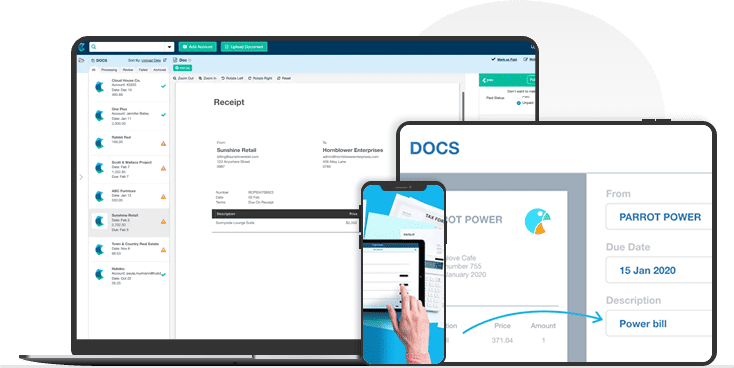

Hubdoc is the most innovative software for extracting information from documents. You can turn your bills, invoices, financial emails, and expense receipts into data quickly and easily, and it lets you store and access them whenever you need to.
Traditional ways of retaining paper receipts are hard to manage and keep up with; now, you can keep track of your expenses in a way that works for you.

We care deeply about the prosperity of our customers and the problems that matter most to them. That’s why we’re excited about our partnership with Hubdoc, an all-in-one solution that streamlines your processes and strengthens the safety of your accounts. We at Pearl Accountants don’t only tell our clients about the benefits of using Hubdoc; we offer it as part of our monthly packages.
Hubdoc gathers all the papers and receipts you request from various accounts and locations. There’s no need to log into several accounts and websites to get this information. Accounts may be added in a flash using a simple approach.
Find your account provider log in with your credentials Hubdoc will connect to your account
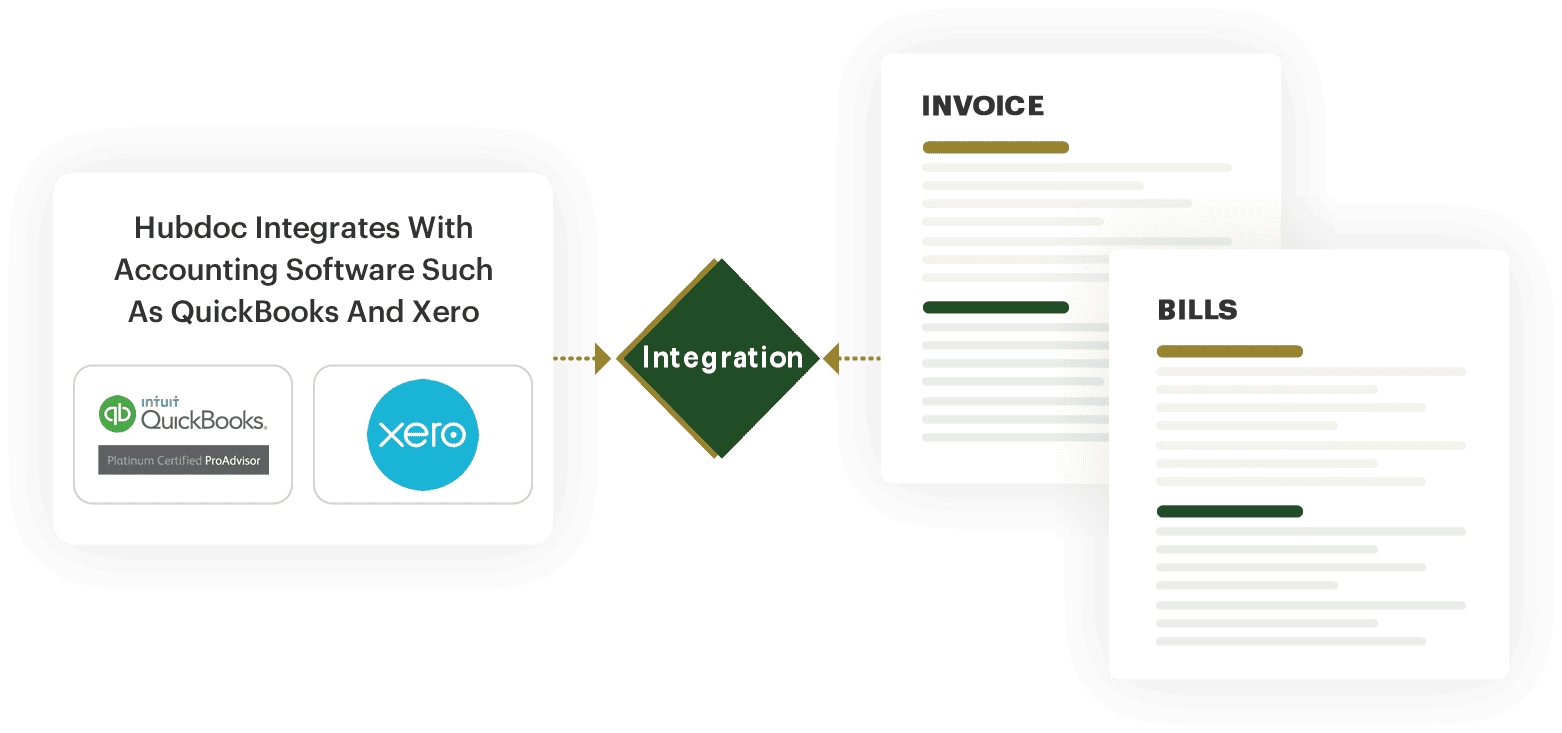
Hubdoc integrates with accounting software such as QuickBooks and Xero, allowing you to import your bills and invoices and automatically sync them with your accounting software. This saves time and ensures you stay on top of your bills.
You can automatically publish and code your data files by using the vendor rules that are given. With the ability to easily share and collaborate, information is no longer stuck in systems that are not connected to each other
Accountants, co-workers, and bookkeepers may also be able to see the records. This makes sure that everyone involved in the decision-making process of an organisation has access to the same data.


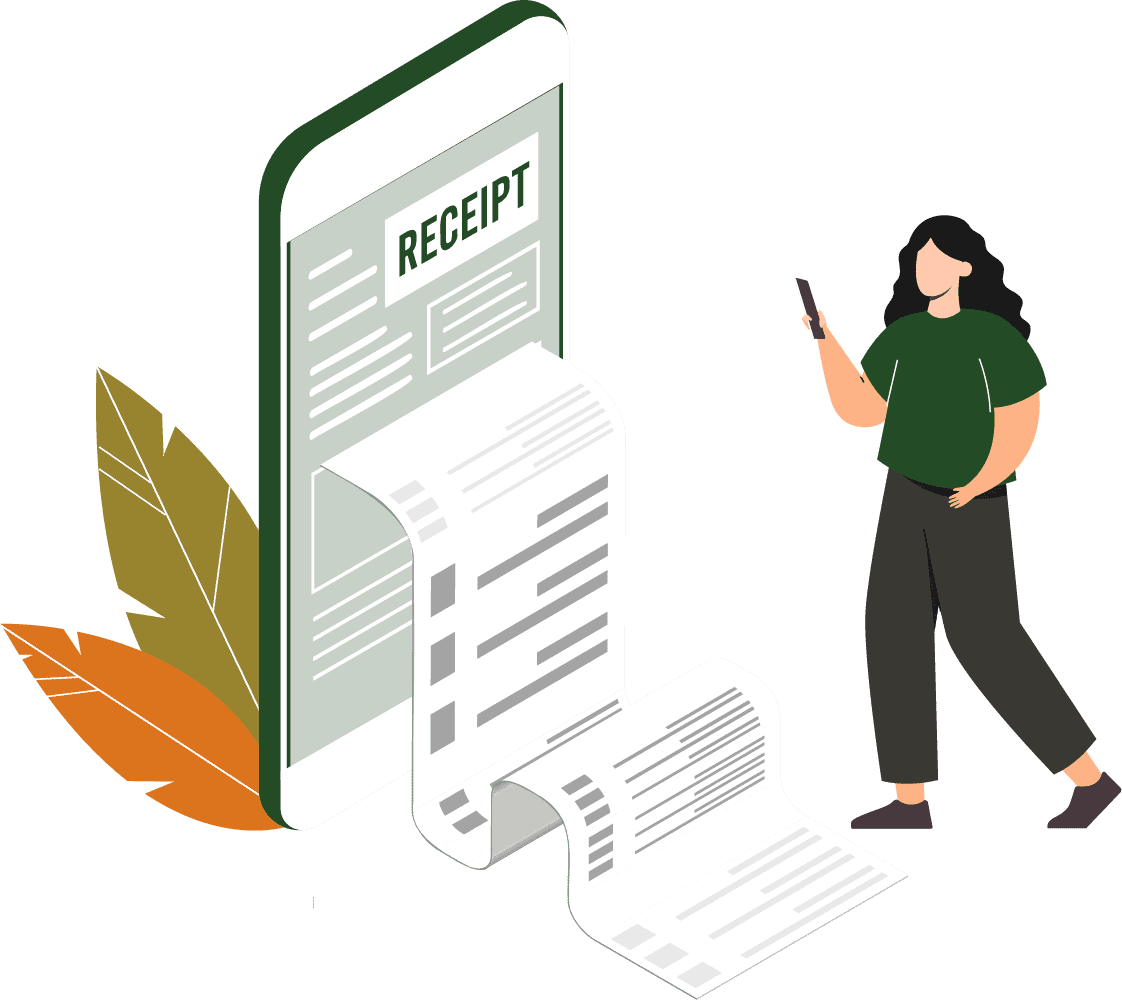
On the mobile app, you can take pictures of your receipts, invoices, or bills. The software scans, extracts and stores your documents, ready to publish. All your documents are stored on a secure cloud for safekeeping.

It’s simple and easy to forward your documents, images, invoices and more. When you sign up, a personalised email address will be created just for you. Email your documents, and you’re all set!
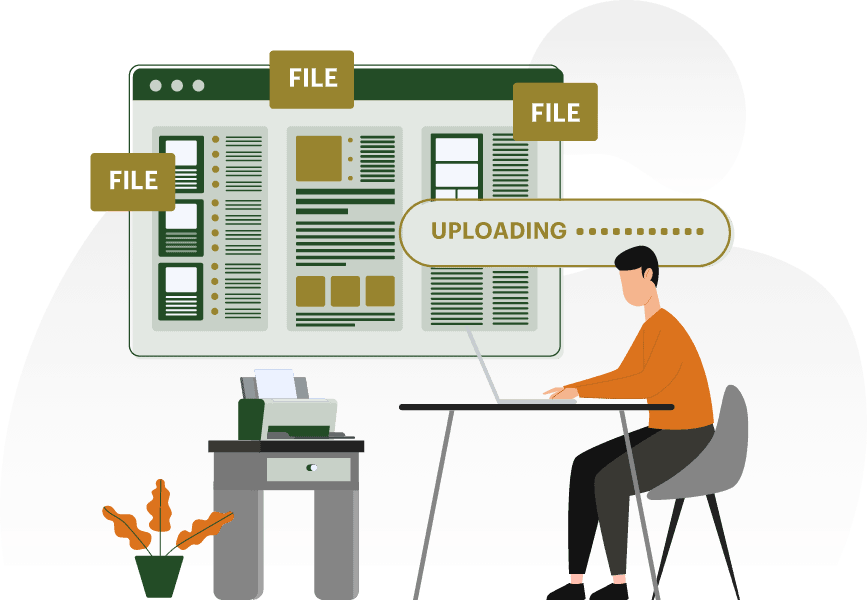
Simply scan your bills, statements, and receipts and submit them to Hubdoc, and the software will handle the rest.
Make the lives of accountants easier and more streamlined. Your accountants will appreciate the convenience of being able to view and organise documents in one central location with the permissions you provide. You may be certain that your financial data are complete, up-to-date, and simple to access.

Access your most important files from any device, at any time, from anywhere in the world. You may access your files through the web browser or by downloading the app from the App Store or the Google Play Store.

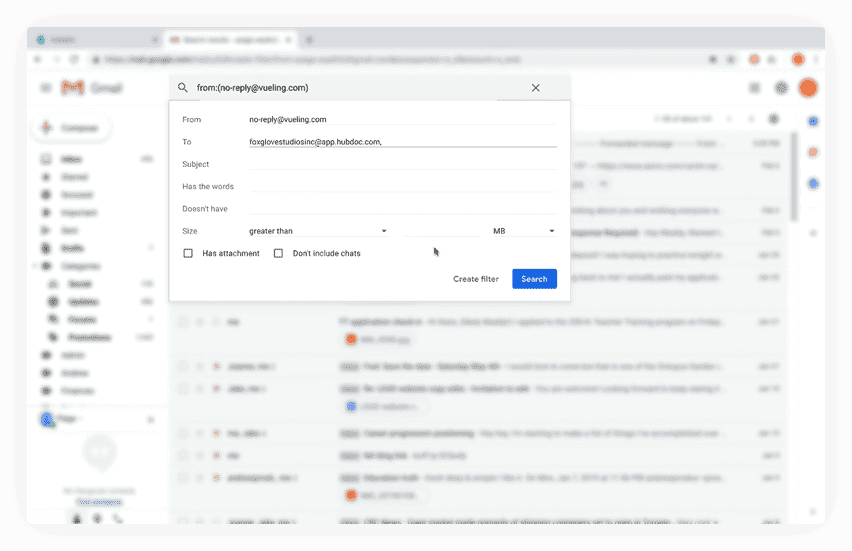
Is it challenging for you to stay on top of all the digital bills that arrive in your inbox? You can send your invoices directly from your email to the cloud storage supplied, and the software will keep your invoices safe and organised.
The great thing about Hubdoc is that it can be easily combined into a single monthly service package that Pearl accountants provide its clients.
Get in touch with one of our Hubdoc specialists to get further information on pricing and packages.

Pearl Accountants are a team of specialists that can assist you with all your accounting and taxation needs in one place. From the first contact through to completion, our aim is to keep you informed and provide a simple, affordable solution for all your financial needs.


We Guarantee to never miss a deadline or your money back
© 2024 Pearl Accountants. All Rights Reserved
Registration No. 07078392

 020 8582 0076


